In most businesses, launching a call center still sounds like a weeks-long project—hardware orders, IT tickets, vendor negotiations, and endless configuration. But with Maxlink Solutions, that assumption is outdated. Today, companies can set up a fully functional global call center in under three minutes—often before their coffee even cools.
This article walks you through exactly how that’s possible, step by step, and why cloud-based communications have completely replaced traditional call-center infrastructure.
Why Traditional Call Center Setup Is So Slow
Before we dive into the three-minute setup, it’s worth understanding why legacy systems take so long:
- Physical PBX hardware must be purchased and installed
- Office wiring and desk phones need configuration
- Geographic expansion requires local carriers
- Scaling up means buying more hardware—again
- IT teams manage updates, security, and maintenance
This model wasn’t built for speed or flexibility. Modern businesses need something different—something cloud-first.
That’s where Maxlink’s unified communications platform changes everything.
The 3-Minute Call Center Setup (Step-by-Step)
Minute 1: Log In and Choose Your Platform
Instead of installing hardware, you start by logging into Maxlink’s cloud platform from anywhere. From the main Maxlink Solutions home platform, everything—calling, messaging, routing, and analytics—lives in one interface.
No servers. No installations. No waiting.
If you already have an account, access is instant through the secure support and management portal.
Minute 2: Activate Your Call Center Core
With one click, you can enable a complete cloud-based contact center—including inbound and outbound calling, queues, and agent controls.
Behind the scenes, Maxlink automatically provisions:
- Call routing logic
- Agent availability rules
- Global connectivity
Supervisors can immediately monitor performance using real-time supervisor dashboards without additional setup.
Minute 3: Configure Smart Call Routing
Now comes the “magic” that used to take days.
Using built-in tools, you can instantly:
- Set up IVR call menus
- Route calls by time zone, department, or skill
- Enable overflow and voicemail logic
Agents can begin receiving calls the moment routing is saved—no downtime required.
Built for Global Teams from Day One
A major reason companies choose Maxlink is how effortlessly it supports global operations.
Within minutes, you can:
- Assign virtual phone numbers in multiple countries
- Connect remote agents using browser-based softphones
- Centralize management from a single dashboard
Need enterprise voice connectivity? Maxlink’s SIP trunking solution ensures crystal-clear calls worldwide—without relying on local telecom contracts.
One Platform, Every Channel
A real call center isn’t just about voice anymore. Maxlink lets you activate multiple communication channels instantly:
All channels are managed from the same interface—no separate tools, no silos.
Cloud PBX: The Engine Behind the Speed
At the heart of this three-minute miracle is Maxlink’s Cloud PBX system.
From the moment you activate it, you get:
- Enterprise call handling
- Extension management
- Call forwarding and recording
- Voicemail-to-email
Executives can even see system health instantly using the Cloud PBX at-a-glance view.
This eliminates the need for on-premise PBX hardware entirely.
Advanced Features—Still Zero Complexity
Even advanced workflows are simple to enable:
What once required professional services and weeks of planning now takes minutes.
Transparent Pricing That Scales With You
One of the biggest surprises for new users? Pricing is just as simple as setup.
Instead of hardware costs and unpredictable telecom bills, Maxlink offers clear, scalable plans. You can explore options directly on the pricing plans page and upgrade as your team grows.
No over-provisioning. No long-term lock-ins.
Why Businesses Are Switching to Maxlink
Companies moving to Maxlink often cite the same reasons:
- Faster deployment
- Lower operational costs
- Global scalability
- Centralized management
If you want the full breakdown of what makes the platform different, the Why Maxlink Solutions page explains the philosophy behind its cloud-first design.
Built for Growth, Not Just Speed
Beyond speed, Maxlink supports long-term growth through:
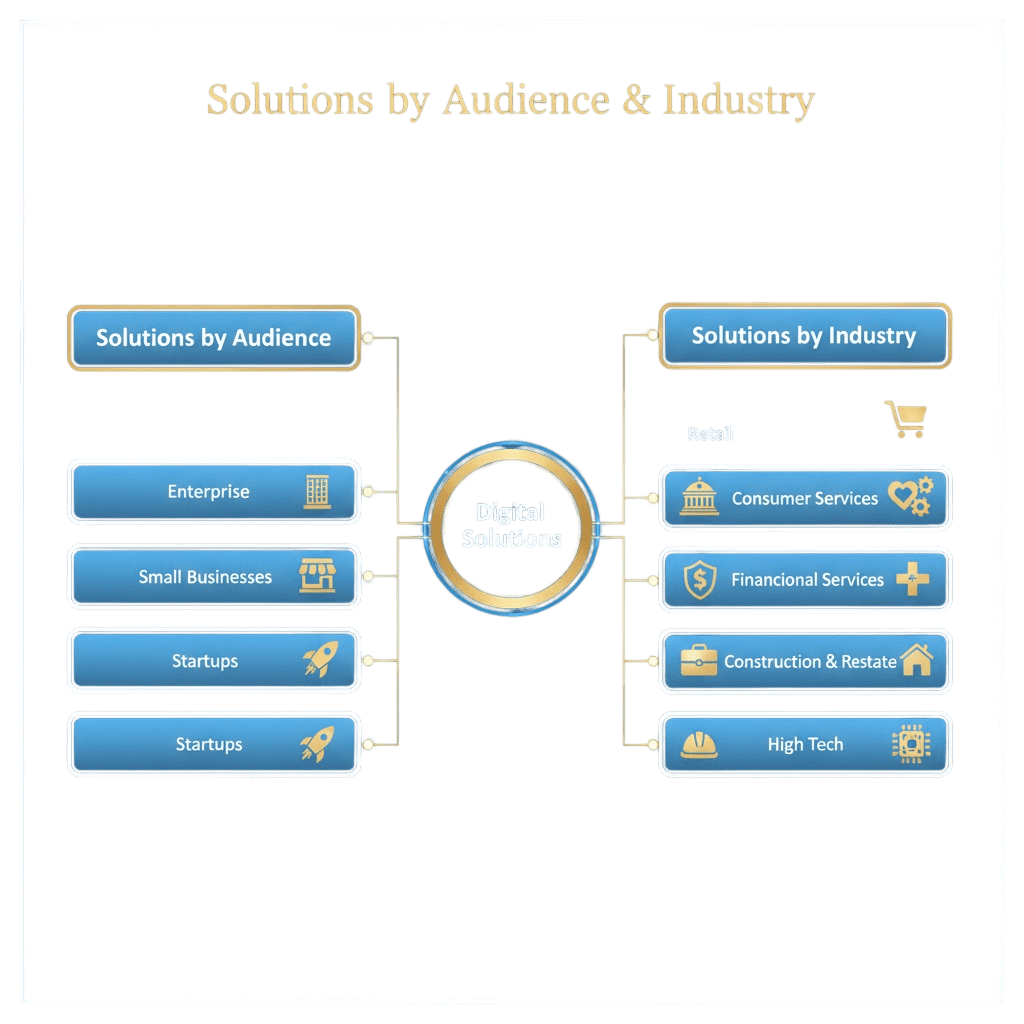
Whether you’re a startup launching your first support desk or an enterprise scaling globally, the same three-minute setup applies.
Final Takeaway: Speed Is the New Standard
Setting up a global call center no longer has to be a project—it can be a moment.
With Maxlink Solutions, what once took weeks now takes less than three minutes:
- No hardware
- No delays
- No complexity
By the time your coffee cools, your call center can already be live—and answering customers around the world.